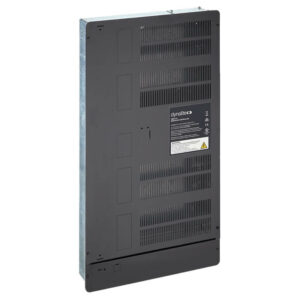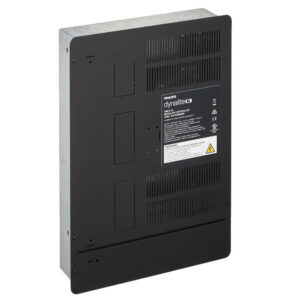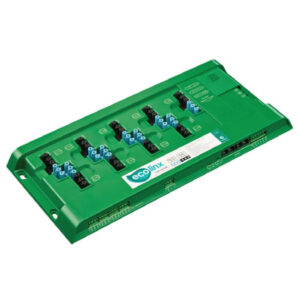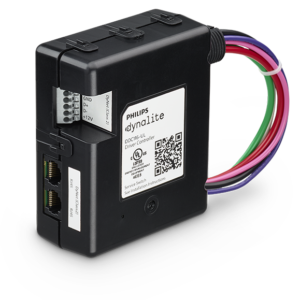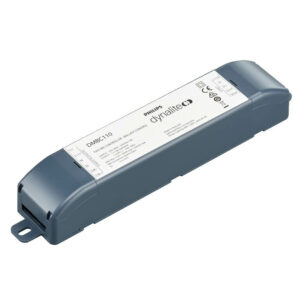



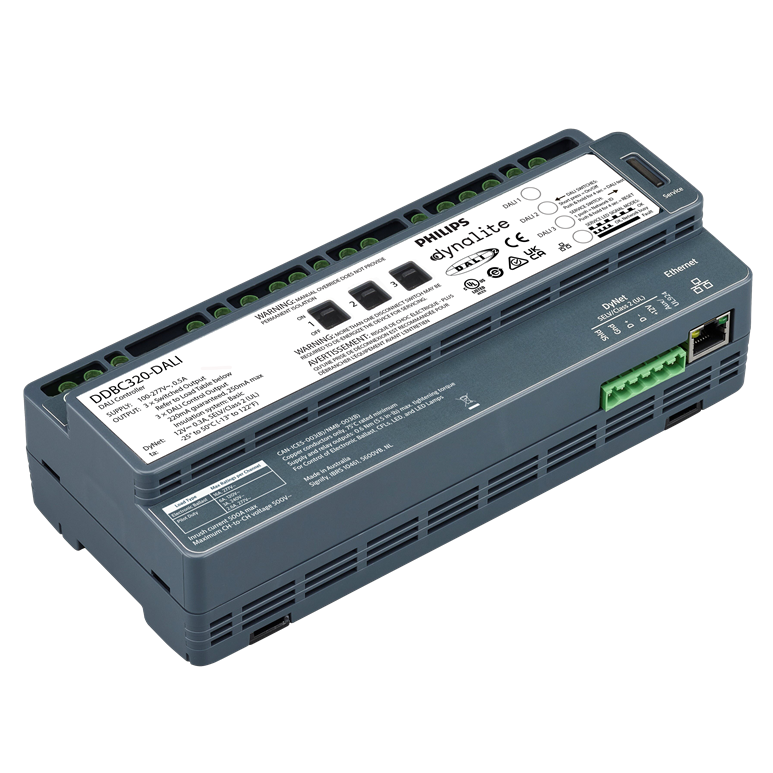
DDBC320-DALI

- Features
- Specification
- Downloads
Multi-master solution
Compatible with a range of DALI fittings and devices, including fluorescent drivers, electronic low voltage transformers, LED fixtures, emergency lighting fixtures, and Dynalite DALI-2 sensors and user interfaces.
Compatible with DALI 209 drivers
Provides control of tunable white and RGBWAF luminaires.
Driver standby power elimination
Internal switched relay automatically isolates each line's power circuit when all drivers are dimmed to 0%.
Independent line enumeration
Commission each DALI line individually without affecting other lines or controller functionality.
Auto-enumeration
Provides automatic enumeration of DALI drivers when powered on and enables self-repair of the network system if a DALI driver fails.
Silent enumeration
Constantly checks the DALI bus for changes, automatically enumerating individual driver replacements with no disruption to lighting performance.
UL924 Input
Integrates seamlessly with compatible emergency systems.
Fully scalable network solution
Direct mapping from DALI to the DyNet network protocol eliminates DALI imposed limits, such as maximum group sizes.
Other features include:
Additional features:
- Inbuilt Ethernet port – Directly connecting to a site’s LAN, the device can securely report its status and pass network messages via the Dynalite PDDEG-S (Each PDDEG-S supports encrypted communication with up to 25 controllers).
- Flexible mounting solution – A DIN-rail mountable device, designed to be installed into the distribution board, supplying power to the controlled lighting circuit.
- Dual functionality – Leverage advantages of a true DALI network solution, whilst still providing access to the full DyNet feature set.
- Integral DALI bus power supply – Removes the need for provision of a separate external power supply and reduces distribution board wiring complexity.
- Driver management tools – Includes lamp and driver status reporting, driver runtime tracking, and emergency test reporting.
- Onboard DALI test function – Use each DALI line’s test button to turn all connected drivers on/off, or flash on/off for a 5-minute test window, without the need for software or additional input devices.
- Onboard line override switch – Set each DALI line’s connected drivers to 100% or 0% brightness without the need for software or additional input devices.